
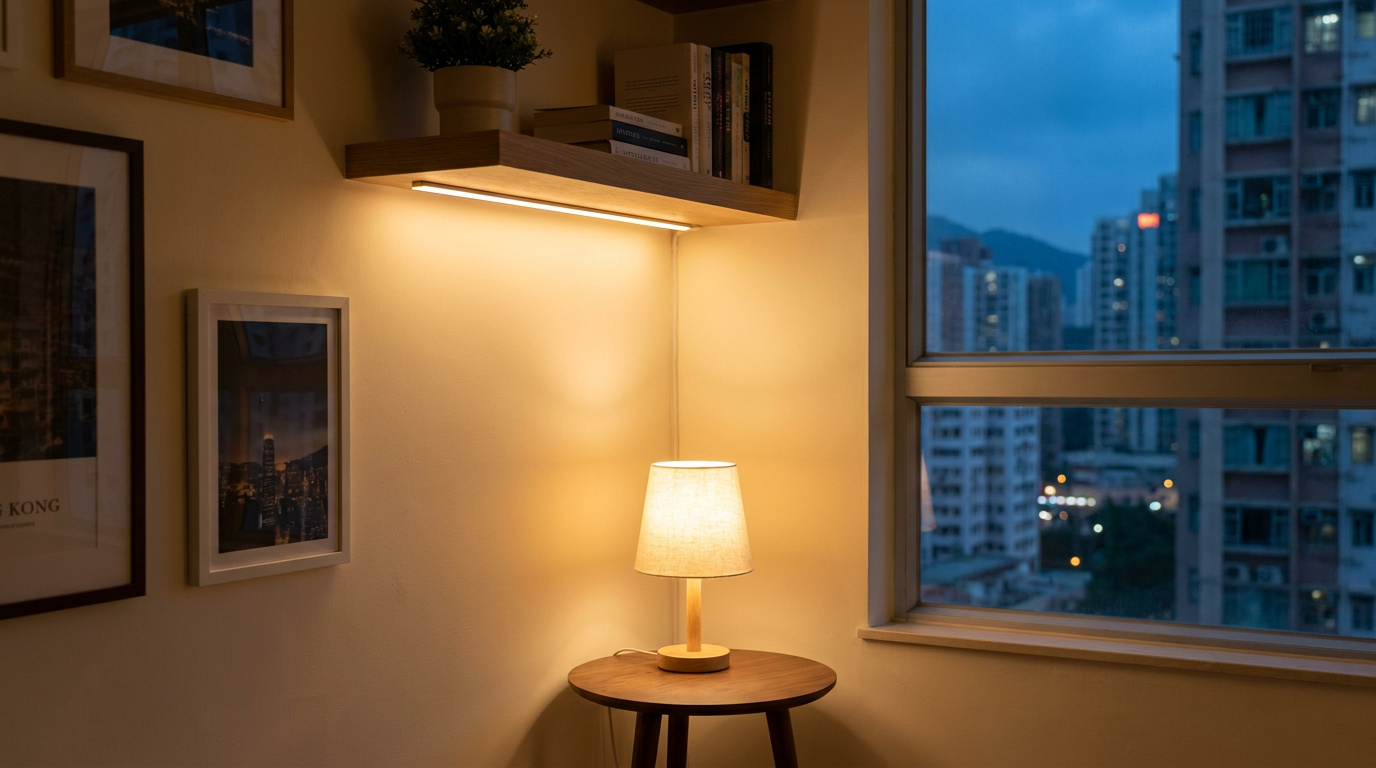
Smart plugs, smart bulbs and LED strips are the smart-lighting entry layer you can use today: they rely only on the sockets, lamp holders and surfaces already in your flat, with no wiring, no drilling and no landlord permission. Two things are worth remembering from the outset. A smart bulb is only "smart" while the wall switch stays on; the moment someone turns off the physical wall switch, control is lost. And in Hong Kong, a smart plug must be the three-pin (BS 1363 three-pin) type, because the local socket does not match the shape of the two-pin plugs sold on the mainland. Artwill is a Hong Kong interior design and build studio, and our role here is that of the designer who explains what this entry layer can and cannot do; when you actually renovate, we plan the fixed lighting for you, and we do not sell or install these devices.
What the smart-lighting entry layer is, and what it is not
The entry layer of smart lighting is really just three things: the smart plug, the smart bulb, and the self-adhesive LED strip. What they have in common is that they use only what is already in the flat: the plug goes into an existing wall socket, the bulb screws into an existing lamp holder, and the strip sticks onto an existing wall or cabinet edge. None of them alters any fixed wiring, none needs an electrician, none needs drilling, and all of them can be reversed when you move out.
This layer suits renters, and owners who are not planning to renovate for now, precisely because it never touches the landlord's fixtures and usually needs no landlord permission. The one item that deserves an asterisk is the LED strip: when peeled off, it may leave adhesive residue on certain wall surfaces, or lift the paint film, as explained in more detail later.
Let us be clear about Artwill's role first. We are a Hong Kong interior design and build studio, and in this article we are the designer explaining what this layer can and cannot do. We do not sell, retail or install smart plugs, smart bulbs or any device; when you eventually renovate, what we plan for you is the fixed lighting.
It is just as important to be clear about what does not belong to this entry layer: smart ceiling lights and fan lights replace the existing fixed fittings and need to be wired to the ceiling supply; smart wall switches, recessed lights (downlights), concealed shelf lighting (coves), dimming zones and switch positions all belong to fixed-wiring works. These are all handled during a renovation, and the final section of this piece covers them item by item.
There are two sentences worth remembering from the start, which recur throughout: one, a smart bulb is only "smart" while the wall switch stays on; two, in Hong Kong a smart plug must be the three-pin (BS 1363 three-pin) type.
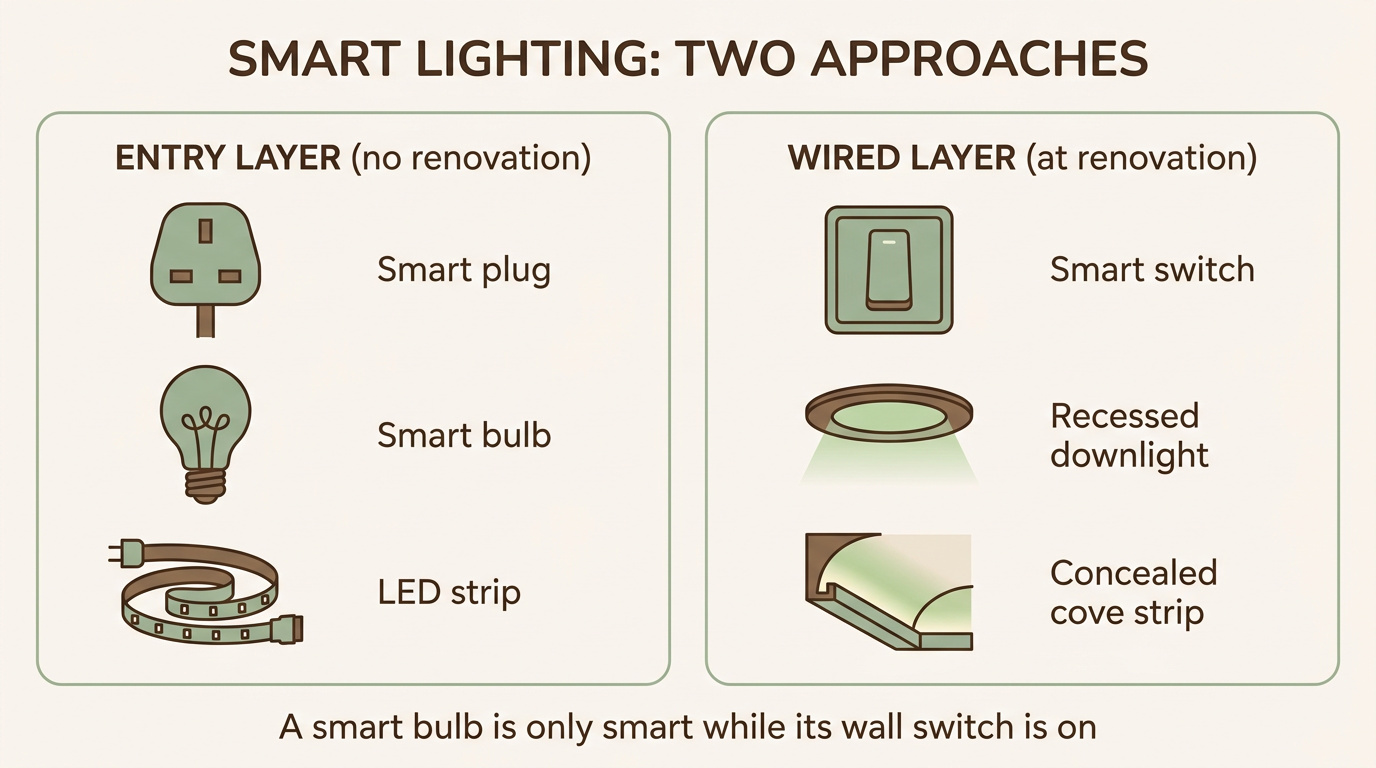
Smart bulbs: match the lamp holder first, then mind the wall switch
The first step in switching to a smart bulb is not choosing a brand, but looking closely at the lamp holder on your existing fitting. Common in Hong Kong are E27 (the large screw cap) and E14 (the small screw cap, often seen on candle-shaped decorative lights); B22 is the push-and-twist bayonet holder, also found on older or imported fittings; GU10 is the twin-pin base used for spotlights and downlights. LED retail today is mostly screw caps and GU10. A smart bulb is only a straight swap when the holder type matches, so confirm the holder first, then decide what to buy.
Once the type matches, a smart bulb can do a fair amount: dimming through an app or by voice, setting mood scenes, and switching between full colour (RGB) or white light at different colour temperatures. These are among the easiest things to pick up in the entry layer.
But there is one limitation that must be spelled out in full, and it is the biggest blind spot of the bulb layer: a smart bulb needs continuous power to stay on the network. The moment a family member, guest or elderly relative turns off the physical wall switch out of habit, the bulb loses power and goes offline, and app and schedule control stop working until someone turns the wall switch back on. This is not a rare situation: at home, there is always someone who switches the wall switch off out of habit.
It is also worth understanding that a smart bulb is only a "bulb by bulb" improvement, not the lighting design of a whole room. It cannot move a pendant that hangs in the wrong place, cannot add a second layer of light to a space, and cannot conceal a glaring light source; it simply inherits the position and quality of the fitting it screws into. So colour-changing and tunable-white bulbs may render certain wall colours and materials less evenly, and the smoothness of dimming varies from product to product.
So how do you solve the problem of the switched-off wall switch in the long run? The answer is to plan a hard-wired smart wall switch during renovation, so that an ordinary bulb keeps its power and can be operated both at the wall and in the app. This is exactly the boundary between the entry layer and fixed works, as covered in detail in our dedicated piece on smart wall switches. As for brands, this article gives only neutral examples, without ranking or recommendation.
Smart plugs: in Hong Kong choose the three-pin (BS 1363 three-pin) type, and respect the load
The ordinary wall sockets in Hong Kong are all BS 1363 (commonly called the British Type G): three flat pins, the longer of which is the earth pin, at 220V, 50Hz, rated 13A, and with a fuse inside every plug. This is the standard you should assume when buying any plug-in device.
For this reason, many two-pin plugs from the mainland market simply will not fit into a Hong Kong socket. To be clear: this is a matter of pin shape, not of voltage. Hong Kong and the mainland are both 220V, 50Hz, so there is no risk of a voltage mismatch (only 110 to 120V devices from the United States and Japan pose a genuine voltage problem). The mainland uses the GB standard (two parallel flat pins, or three angled pins), which is geometrically incompatible with Hong Kong's Type G, so a mainland smart plug cannot sit securely in a Hong Kong socket without an adaptor.
Let us clear up a misconception in passing: "two pins means grey-market or counterfeit" does not hold. The shaver socket legally used in Hong Kong bathrooms (BS 4573) is itself two-pin. The accurate statement is simply this: the ordinary 13A wall socket is BS 1363 three-pin, and the plug on a mainland smart plug does not match that socket. Rather than stacking a two-pin plug on a loose adaptor (which adds one more connection point that is unfused and juts outward), it is better to buy a model marked Type G, BS 1363 or Hong Kong-style British 13A. Incidentally, the cheapest mainland models often do not even come with a British three-pin plug, which is why a native three-pin model is regarded locally as worth noting.
The job of a smart plug is clear: it sits between an existing socket and a device, adding app or voice switching, a countdown timer, and sunrise-sunset schedules, with some models also showing live power or energy use. What it suits are low-load things such as table lamps, fans, chargers, aroma diffusers and seasonal decorations. Every plug has its maximum load rating printed on it, so read the specific marking on the one in your hand; note too that the switching rating inside the plug may be lower than the plug's own 13A.
On safety there is one hard line: never connect a fan heater, air conditioner, refrigerator or freezer to a smart plug. Reliable, expert-backed reporting is fairly consistent on this point: fan heaters and air conditioners draw high continuous or start-up currents, and a load close to the rating for long periods lets the relay and casing build up heat, so that even within the nominal rating they may melt or catch fire; and once a refrigerator is connected to a socket that quietly fails, the food spoils. A common rule of thumb is that anything left on for long periods should be kept to around eighty per cent of the rated capacity.
The guidance from the Electrical and Mechanical Services Department (EMSD) is equally direct: to prevent circuit overload and fire, you should not plug more than one multi-way adaptor or extension unit into the same socket, nor plug an adaptor into an extension unit, nor the other way round. The EMSD also advises that high-consumption appliances (typically including air conditioners, dehumidifiers, electric heaters, electric kettles, rice cookers, washing machines and tumble dryers) should each be supplied from a single fixed socket on their own, with nothing else connected. From a designer's point of view, the plug-in smart layer suits table lamps and low-load devices, and not heat-producing appliances.
Two final reminders. One, if you buy entry-level devices on mainland platforms for the sake of price, you may run into region or server lock-in: the mainland version connects to mainland servers and the Hong Kong version needs Hong Kong servers, and the two do not sit easily in the same regional account, a point revisited in the next section. Two, when buying, look for products that carry a recognised safety mark and are marked BS 1363, rather than unmarked imports of unknown origin.
LED strips and simple light effects: room by room
An LED strip works on low-voltage direct current (commonly 5V, 12V or 24V) supplied through a driver (transformer); it cannot be connected directly to the 220V mains. The renter's version is the simplest: a self-adhesive, USB-powered 5V strip that works once plugged into a USB port or charger, with no wiring and no drilling, commonly used for television backlighting or shelf mood lighting.
Simple as the strip is, there are still a few disciplines to observe when installing it:
- Wipe the surface clean first, then slowly peel back the 3M tape on the reverse, and press for about 10 to 15 seconds after sticking it down.
- Cut only at the marked cut points; a length once cut cannot be rejoined without a dedicated connector.
- Do not fold hard over an LED bead; take a soft curve around a right angle, or use a corner connector.
- Place the controller and driver where the cable can reach both the socket and the strip, because it needs to stay accessible and not easily displaced later.
The sticking deserves an honest word too: a strip's adhesion is temporary and surface-dependent. The 3M backing that makes it convenient for renters is also its weakness: on emulsion paint or textured plaster the tape may come loose within weeks; Hong Kong's summer heat and humidity speed up the sagging; and peeling off a firmly stuck strip may lift the paint film, which for a renter is a risk to the deposit. It is more accurate to think of it as "reversible, but with an asterisk"; this is not a conclusion tested against a local standard, but a reasonable expectation on site.
On a low-commitment basis, a strip suits atmospheric touches around a space: under cabinets, on shelves, at the bedhead, behind a television, or to create a faint cove effect. All of these let you start playing with light today.
But again the line must be drawn: smart ceiling lights or fan lights do not belong to this entry layer, since they replace hard-wired fixed fittings, need to be removed from and reconnected to the ceiling supply and hung overhead, and therefore usually need an electrician; they are not the peel-and-go kind of reversible, and a rented flat generally needs landlord permission as well. As for truly concealed cove strips, those belong to renovation works, and the next section discusses how a strip stuck to a wall is upgraded into a fixed light line hidden in the ceiling or the cabinetry.
Connectivity and ecosystems: pick a standard, not a closed product line about to be replaced
Once the entry-layer devices are home, connectivity comes next. Let us set out the wireless options clearly: Bluetooth is a local, short-range connection; Wi-Fi devices connect straight to the router and need no separate hub, though many support only 2.4GHz; Zigbee needs a hub or bridge, and Thread needs a Thread border router, both of them mesh networks. Matter, for its part, is not a radio but a compatibility layer running on top of Wi-Fi or Thread, letting a device pair and work across Apple Home, Google Home and Alexa. Wi-Fi and Bluetooth devices with no hub are the simplest true entry point.
In Hong Kong's dense flats, 2.4GHz pairing friction is fairly common; it is a nuisance in setup, not a device fault: a merged dual-band SSID with the same name makes the device try to join the 5GHz band and fail to pair (the two bands need to be split temporarily); a Chinese character or special symbol in the SSID or password blocks the connection; and too many devices on the same router leads to dropouts. Knowing this in advance keeps setup calm.
The more important step actually comes before buying: pick an ecosystem first. Choose one of Apple Home (HomeKit), Google Home, Amazon Alexa or Mi Home, then go and buy devices. Wi-Fi and Bluetooth devices need no hub; Zigbee needs the brand's matching hub or gateway; and most motion or door-and-window sensors talk only to their own brand's hub, so they usually have to be bought as a set. In Hong Kong, one reason HomeKit is favoured is that Siri can handle Cantonese voice. It should be added that Apple Home needs a home hub (a HomePod, HomePod mini or Apple TV) to allow remote control while out, to run automations when the iPhone is away or offline, and to use many Thread and Matter features; the phone app alone is not enough.
From a durability point of view, it is worth giving priority to open-standard (Matter) devices, to reduce the risk of being tied to a single manufacturer: a device that supports only one maker's proprietary system, or relies on a single cloud app, leaves you at a disadvantage the moment that company changes direction, ends the product line or shuts down the app. Matter is a cross-industry standard backed jointly by Apple, Google, Amazon, Samsung and others, designed to work across ecosystems and to survive after a maker shifts course. But to be honest, this reduces the risk rather than eliminating it: Matter is still maturing and does not yet cover every category of device and every advanced feature. To give a neutral example: IKEA is moving its smart-lighting product line from the older proprietary Zigbee system towards the open Matter standard, replacing the earlier Tradfri range with a new series; its Dirigera hub can act as a Matter bridge, so existing Zigbee hardware can still be integrated. This shows where the industry is heading, not that any product has been withdrawn from sale.
There is one more angle, distinct from electrical safety, worth mentioning: the Consumer Council treats smart and Internet-of-Things home devices mainly as a privacy and network-security matter. Because these devices share the same home network, once one of them is compromised, an attacker may reach the rest. The Consumer Council's advice includes: setting a separate, sufficiently strong password for each device, updating firmware regularly, turning off cameras, microphones and location services that are not needed, and looking into a maker's security track record before buying; it also cautions that some smart devices bought online may not meet Hong Kong's voltage or plug specifications, nor reach international standards. Keeping this privacy-and-suitability angle separate from the EMSD's electrical-safety angle avoids confusing what each of the two bodies has said.
For a fuller understanding of ecosystems, hubs and overall planning, see our overview of smart-home design.
When to upgrade to fixed wiring: the designer's work during renovation
To put it honestly: the entry layer is an effective, permission-free starting point, but lighting that is clearly layered, free of glare and well placed is something to plan before the plaster is sealed up. When you actually renovate, the following improvements should be upgraded from the temporary approach of plugging in and swapping bulbs into fixed works.
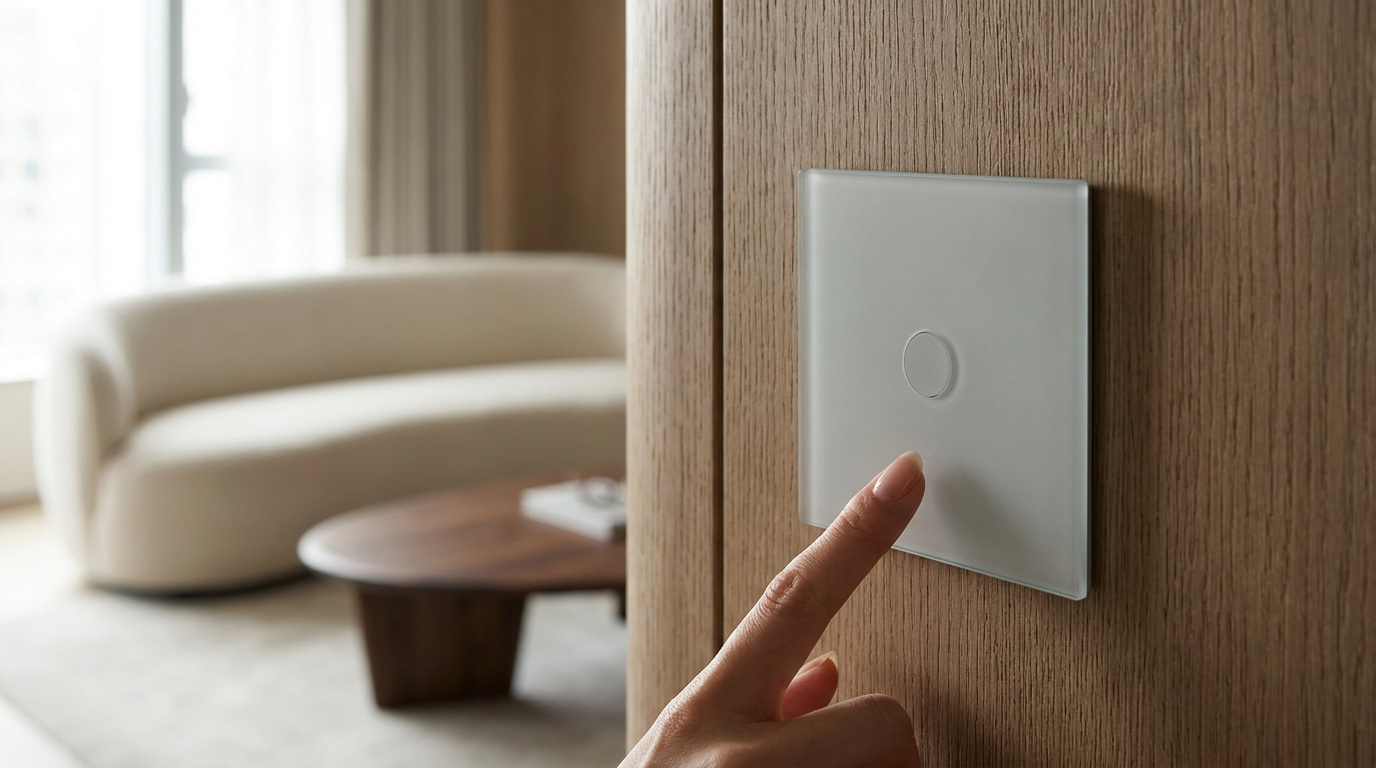
- A hard-wired smart wall switch (neutral-wire version): replace reliance on a smart bulb alone with a wall switch, so that it can be operated both at the wall and in the app, and no one is caught out by a switched-off wall switch. Hong Kong smart wall switches come in two kinds, single-live and neutral (with a neutral wire): a traditional Hong Kong switch box is mostly wired single-live (only the live wire passes through the switch, with no neutral); the neutral version is more stable and more fully featured, but needs a neutral wire run to the switch box; the single-live version can reuse the existing wiring, but may flicker with some low-wattage LEDs. The usual trade-off is: for a whole-home renovation, choose the neutral version; only where the work is already finished should you choose the single-live version.
- Run a neutral wire to every switch box: that way no switch will later be stuck with the single-live compromise.
- Put recessed lights (downlights) on a dimmable circuit, in place of connecting a table lamp to a smart plug.
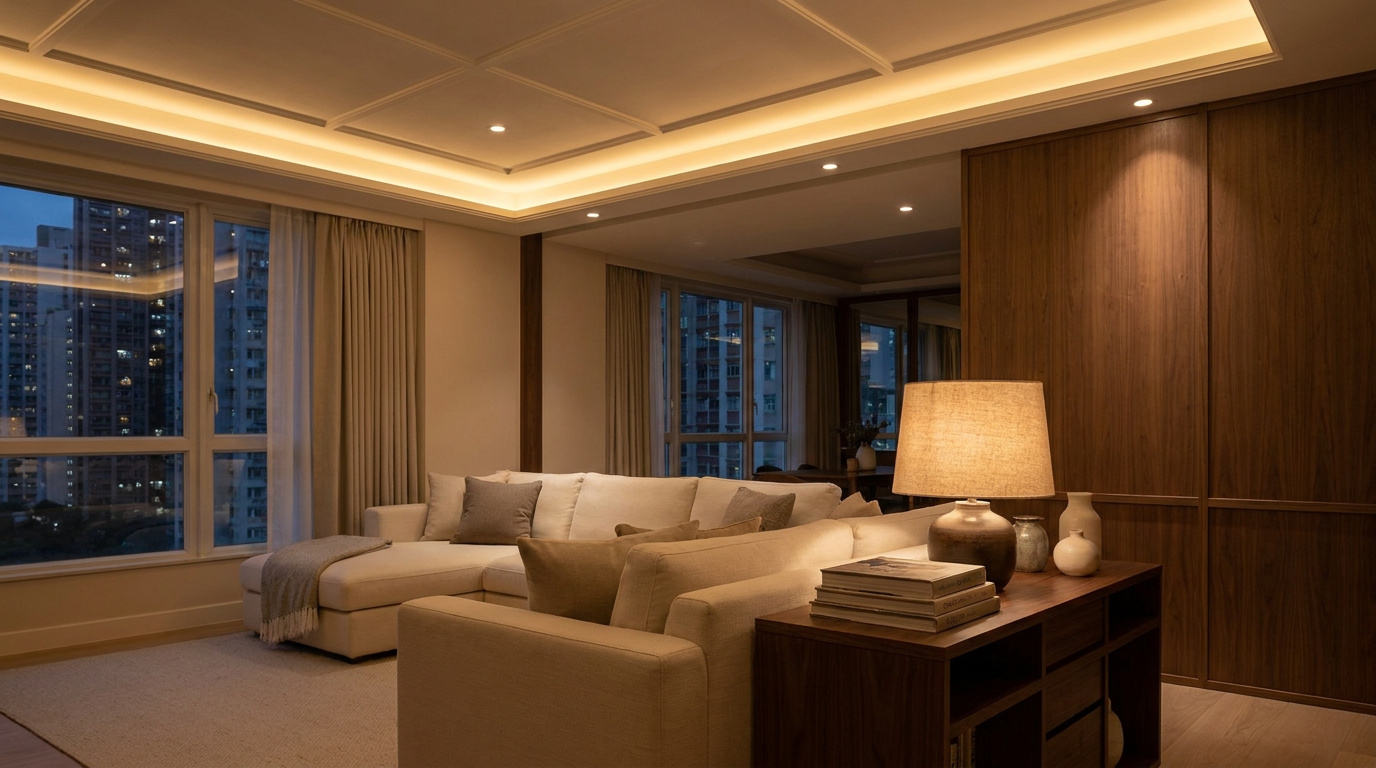
- Concealed cove strips: hide the driver (transformer) in an accessible space (a ceiling access panel or inside a cabinet, for example), because the driver often fails before the LED and must be replaceable; add an aluminium channel for heat dissipation and a cleaner line, and put it on its own dimmable circuit. For even wall-washing, a common design reference suggests a cove of about 20 centimetres deep with an aperture of about 10 centimetres; but this is a general design reference (from a Taiwanese interior-design article), not a Hong Kong regulation, and not a fixed figure.
- Deliberately arrange switch positions, scenes and groupings: two-way control at the bedhead, a scene switch at the entrance, kitchen zoning, all decided on the drawings.
- If you still want to use a smart bulb on a particular fitting, keep a permanently live fixed supply for it.
To say it clearly once more: these fixed elements are the part Artwill plans and provides for in advance, and we do not sell or install those devices. The entry layer lets you play with light today; placing that light well is the work of design. If you are preparing to renovate, you are welcome to book a consultation through our residential interior design service, and we will plan the fixed lighting described above right at the drawing stage.
Open WeChat, Discover, Scan
Or save the QR and import it from your gallery.